

1. Check the network path
This changes the Windows guest firewall, not an NSG, route or Linux firewall. Choose a trusted source IP, confirm the VM's private IP is reachable over your VNet, peering or VPN, and check effective NSG rules. A failed ping alone does not prove that a VM is down.
2. Add the guest firewall rule
Run elevated PowerShell inside the target Windows VM, or use Virtual machine → Operations → Run command → RunPowerShellScript. Replace the documentation-only source IP below with your trusted diagnostic host; do not allow the entire Internet just to test ping.
$TrustedSource = "192.0.2.10" # Replace with your diagnostic host IP
New-NetFirewallRule -Name "Diagnostic-ICMPv4" -DisplayName "Diagnostic ICMPv4 echo" -Direction Inbound -Protocol ICMPv4 -IcmpType 8 -RemoteAddress $TrustedSource -Action Allow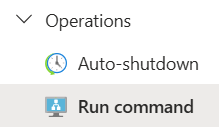
3. Test and undo
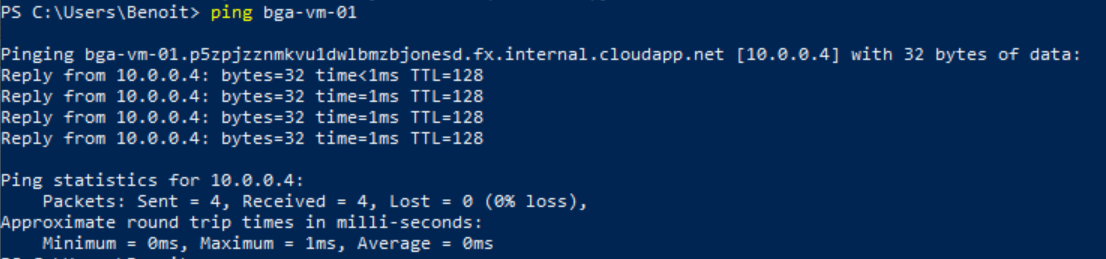
From the trusted diagnostic host, run ping <vm-private-ip>. A successful reply confirms ICMP reachability along that path; it does not validate application ports. If it times out, check source address, route, NSGs and the active guest firewall profile separately.
Remove only this diagnostic rule when finished:
Remove-NetFirewallRule -Name "Diagnostic-ICMPv4"Technical execution validation: not recorded. Reference: New-NetFirewallRule .