
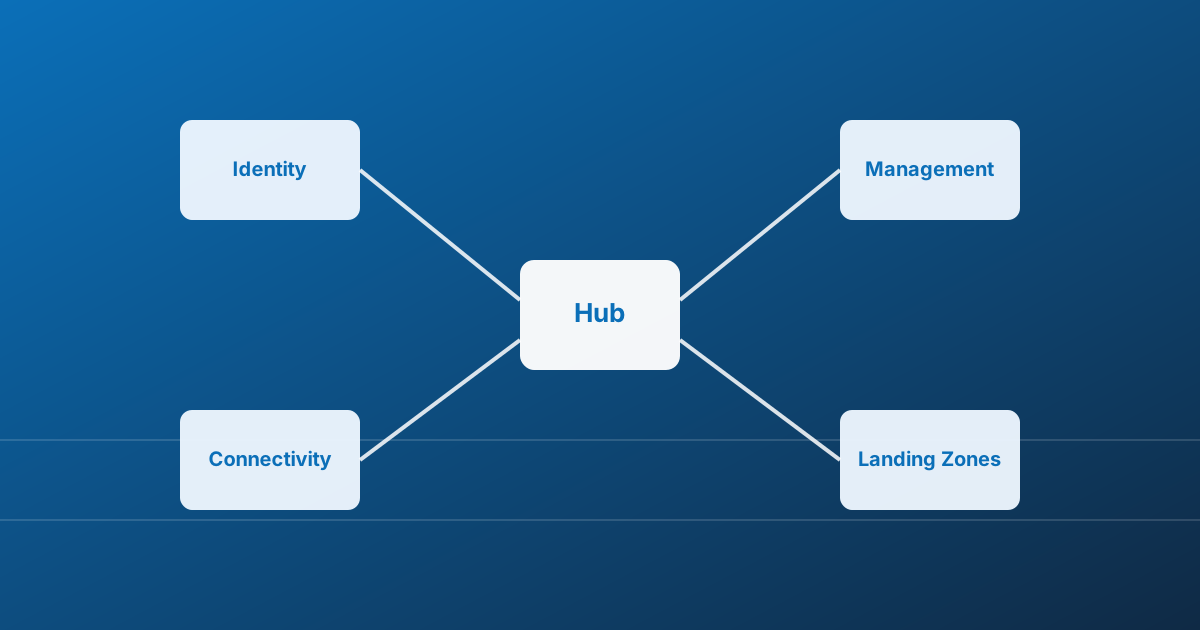
An Azure landing zone is the environment where you deploy and operate your applications and workloads. It is not a single resource - it is a combination of subscriptions, networking, identity, policy, and management tooling designed to scale safely as you onboard more teams and workloads.
Understand or prepare an implementation
Understand: read why it matters, the building blocks and the explicitly illustrative hierarchy.
Prepare: identify platform/workload owners, subscription/billing boundaries, inherited controls, network/DNS, automation identities and acceptance tests before examining the Terraform snippet. That snippet vends a subscription and associates a management group; it does not deploy a complete landing zone.
Why landing zones matter
Most organizations don't start with a landing zone. They start with one subscription, a handful of resources, and no real governance. That works fine until a second team joins, then a third, and suddenly nobody can answer simple questions like "who can create a public IP address?" or "which subscription does this cost belong to?"
A landing zone gives you:
- A consistent way to provision new subscriptions for teams and workloads
- Centralized identity and access management
- Guardrails enforced through Azure Policy rather than tribal knowledge
- A hub-and-spoke (or Virtual WAN) network topology with shared connectivity
- Centralized logging, monitoring, and cost management
You don't need to build all of this yourself. The Cloud Adoption Framework publishes a reference architecture and a set of Azure Landing Zone Bicep/Terraform modules that already implement these patterns.
The core building blocks
| Building block | Purpose |
|---|---|
| Management groups | Organize subscriptions hierarchically and apply policy/RBAC at scale |
| Identity | Centralize Microsoft Entra ID, conditional access, and privileged access |
| Connectivity | Hub network, firewall, ExpressRoute/VPN, DNS |
| Management | Centralized logging, monitoring, backup, and update management |
| Security | Defender for Cloud, Key Vault, encryption standards |
| Platform automation | Infrastructure as Code pipelines that provision new landing zones on demand |
Follow each design decision to an operational resource: Policy definitions and assignments, DNS and networking, Azure roles, naming rules and Terraform setup.
A minimal management group hierarchy
This is an illustrative hierarchy, not a universal requirement. Your regulatory, ownership and connectivity boundaries should drive the actual design:
Tenant Root Group
└── Contoso
    ├── Platform
    │   ├── Management
    │   ├── Connectivity
    │   └── Identity
    ├── Landing Zones
    │   ├── Corp
    │   └── Online
    ├── Sandbox
    └── Decommissioned
Management groups can carry inherited Policy/RBAC controls. For example, Corp could restrict public IPs while Sandbox uses a deliberately different baseline and budget alerts. A budget alert is not a hard spending cap.
Deploying a landing zone with Terraform
Most teams provision landing zones with Infrastructure as Code so every new subscription is consistent and repeatable.
This is a subscription-vending module example, not a full platform deployment. Before applying, verify the existing target management group, billing-scope eligibility, required subscription-creation/association permissions and the pinned module's current inputs. Review a plan in an approved scope; this can create a billable subscription and change inherited governance.
Reference module version is ~> 4.0 as written; technical execution validation is not recorded. Consult the module documentation rather than interpreting this snippet as a tested landing-zone accelerator.
module "landing_zone" {
  source  = "Azure/lz-vending/azurerm"
  version = "~> 4.0"

  subscription_alias_enabled = true
  subscription_display_name  = "sub-contoso-corp-001"
  subscription_alias_name    = "sub-contoso-corp-001"
  subscription_billing_scope = var.billing_scope

  subscription_management_group_association_enabled = true
  subscription_management_group_id                   = "corp"
}Landing zone deployments usually run with highly privileged credentials at the tenant or management-group scope. Keep this pipeline separate from your application pipelines, protect it with required reviewers, and use OIDC federated credentials instead of long-lived secrets - see Connect GitHub and Azure for deployment using OIDC for a full walkthrough.
Landing zone vs. subscription vending
Subscription vending is the repeatable process of creating/configuring a subscription and connecting it to the platform's agreed controls. "Subscription vesting" was not the intended term. A landing-zone architecture includes the broader identity, governance, network and operations design; creating one subscription is only part of implementing it.
After a vending change, verify the subscription's actual management-group placement, inherited assignments, intended owner access and required network/logging onboarding. No such result is claimed for the example above.
Where to go next
- Read the Azure Landing Zone conceptual architecture on Microsoft Learn.
- Decide whether you need the full enterprise-scale architecture or a lighter-weight starter landing zone.
- Pick an Infrastructure as Code tool (Bicep or Terraform) and automate subscription vending from day one.
Landing zones are a journey, not a one-time setup - expect to revisit policy assignments and network design as your platform grows.