
Azure Policy
7 parts — from definitions and assignments to policy as code.
Practical guides on Azure, infrastructure and DevOps.
The catalogue could not be loaded. Search and filters are unavailable; the prebuilt article links are shown below.
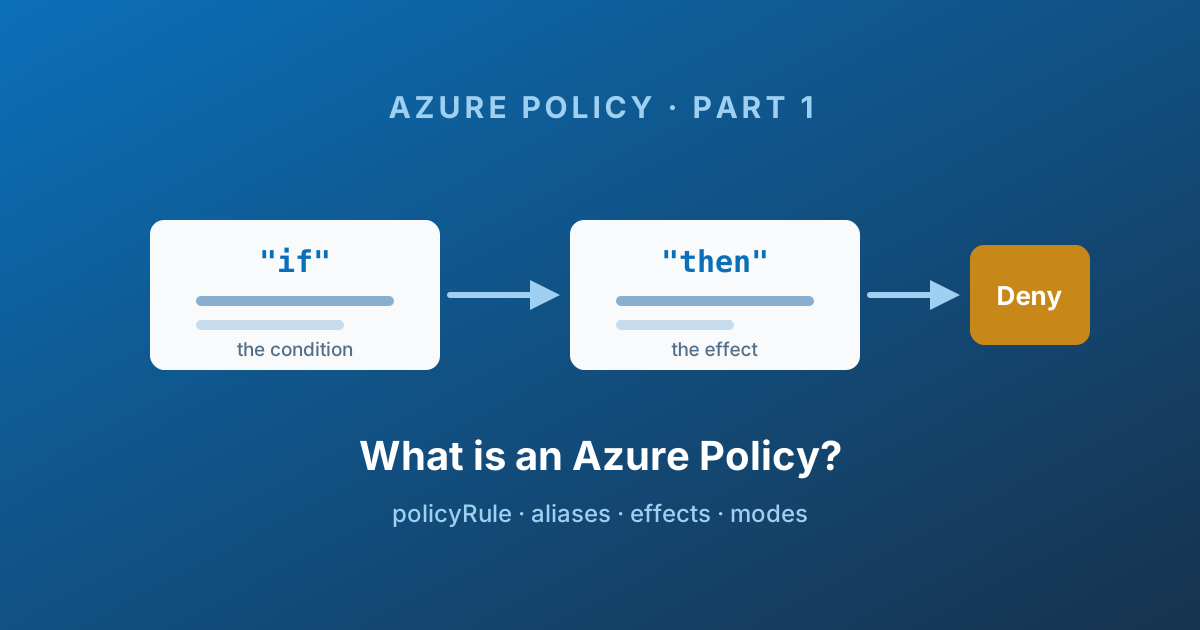
Part 1 of a seven-part series on Azure Policy: what a policy definition actually is, how the if/then rule works, aliases, the full list of effects and the order they run in, modes, versioning, and the limits that bite in production.
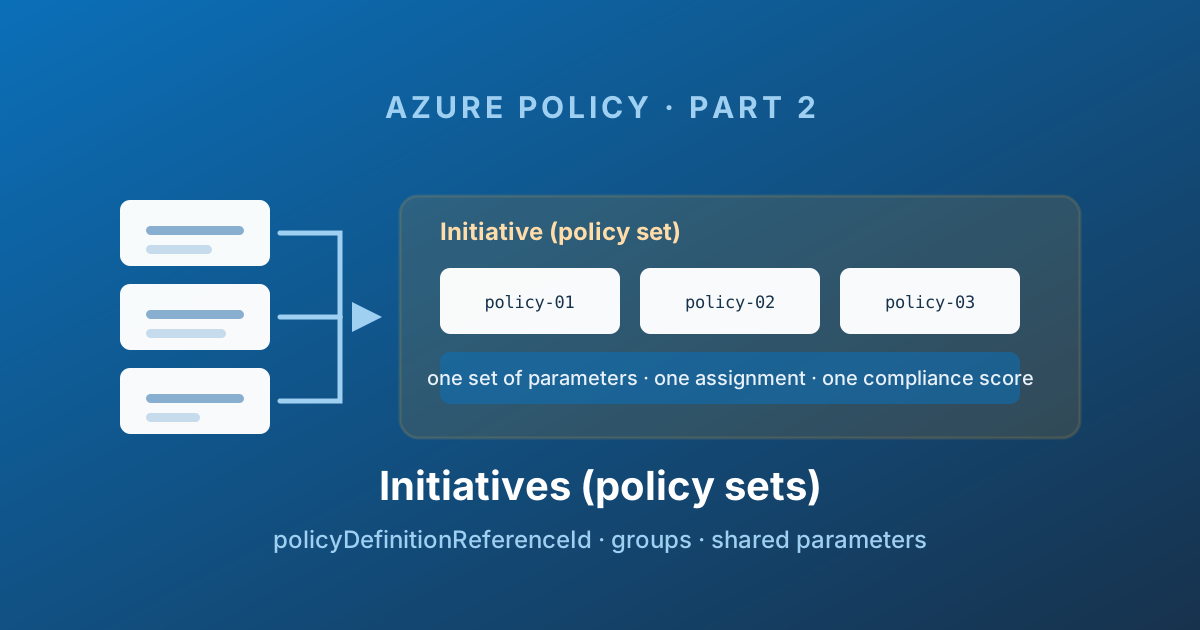
Part 2 of the Azure Policy series: policy set definitions explained - grouping definitions, policyDefinitionReferenceId, passing parameters down, definition groups and regulatory compliance, version pinning, and the initiative parameter you can never change.
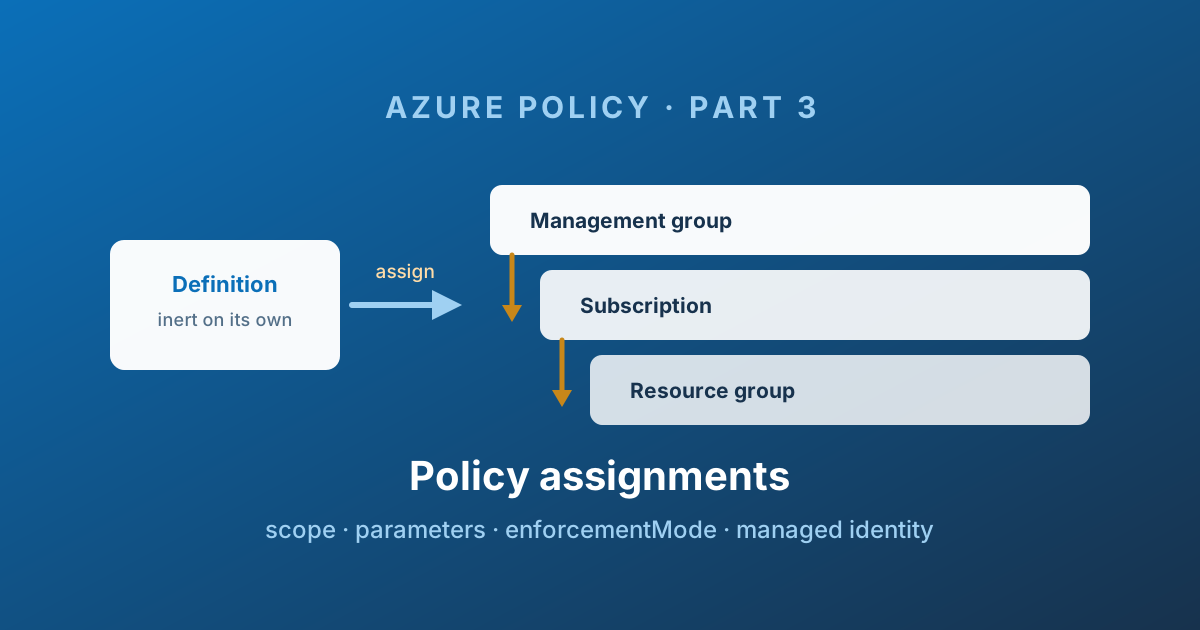
Part 3 of the Azure Policy series: assignments are where governance becomes real. Scope and inheritance, enforcementMode, managed identities and remediation permissions, resourceSelectors and overrides for safe rollout, and non-compliance messages.
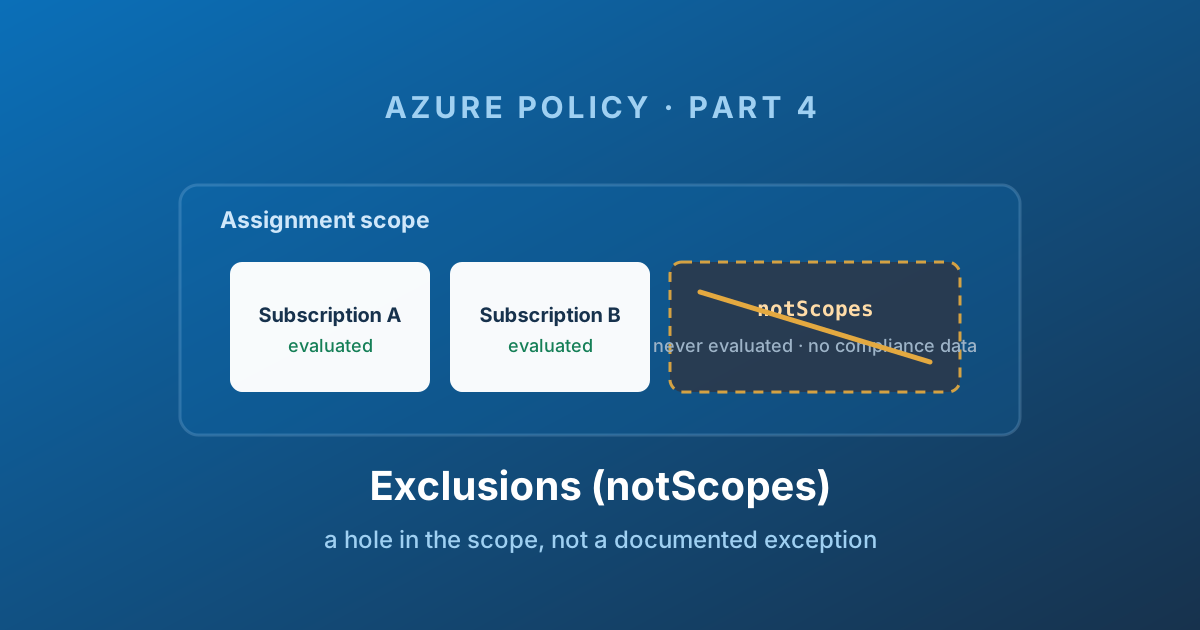
Part 4 of the Azure Policy series: exclusions explained. How notScopes carves a hole in an assignment scope, why excluded resources vanish from compliance entirely, the governance debt it creates, and when an exclusion is genuinely the right answer.
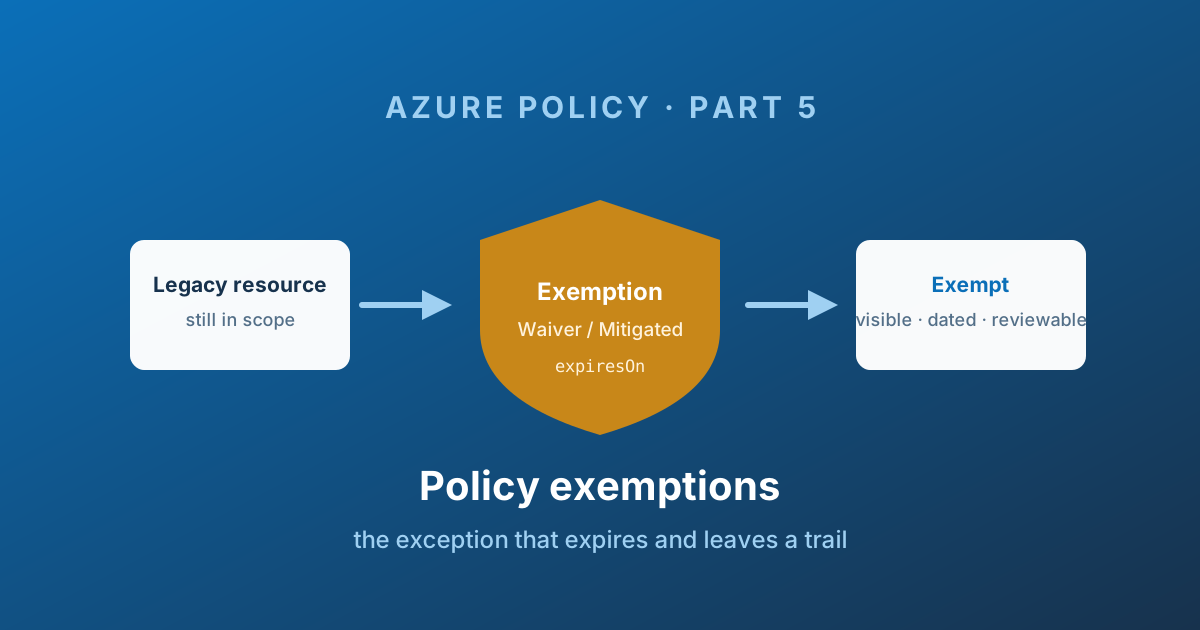
Part 5 of the Azure Policy series: exemptions explained. Waiver versus Mitigated, expiresOn, exempting a single initiative member, identity-based exemptions, compliance substate, the RBAC you need, and how to stop exemptions becoming permanent.
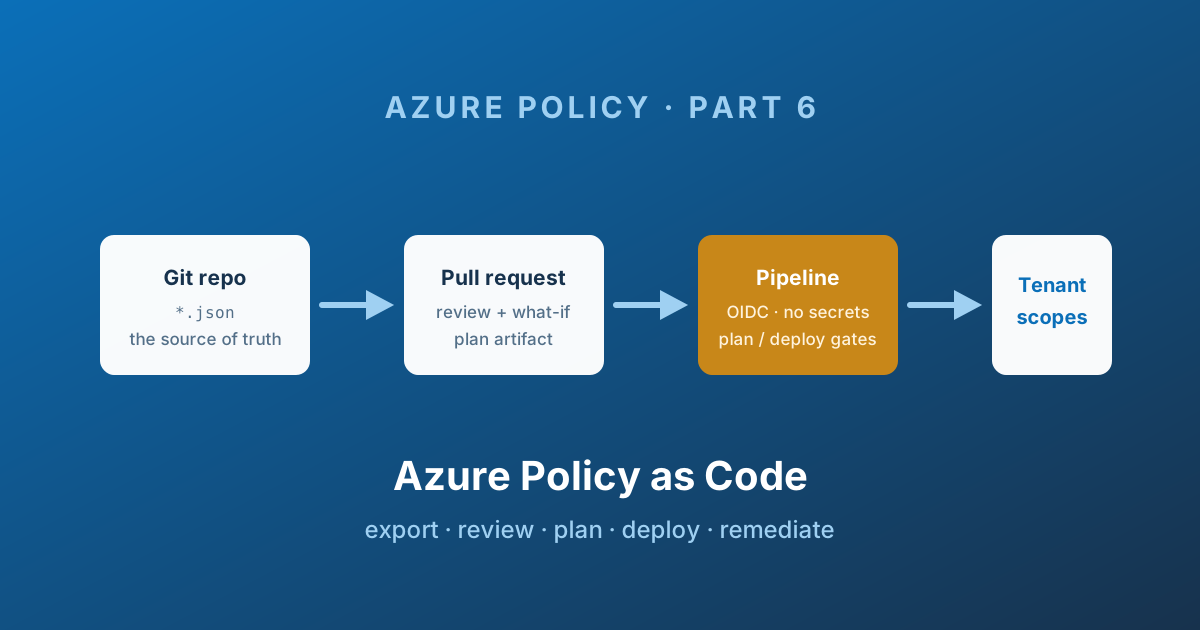
Part 6 of the Azure Policy series: why the portal stops working at scale, Microsoft's create-test-deploy workflow, the deployment ordering problem, drift and desired state, the managed identity permission gap, and what to put in your repository.
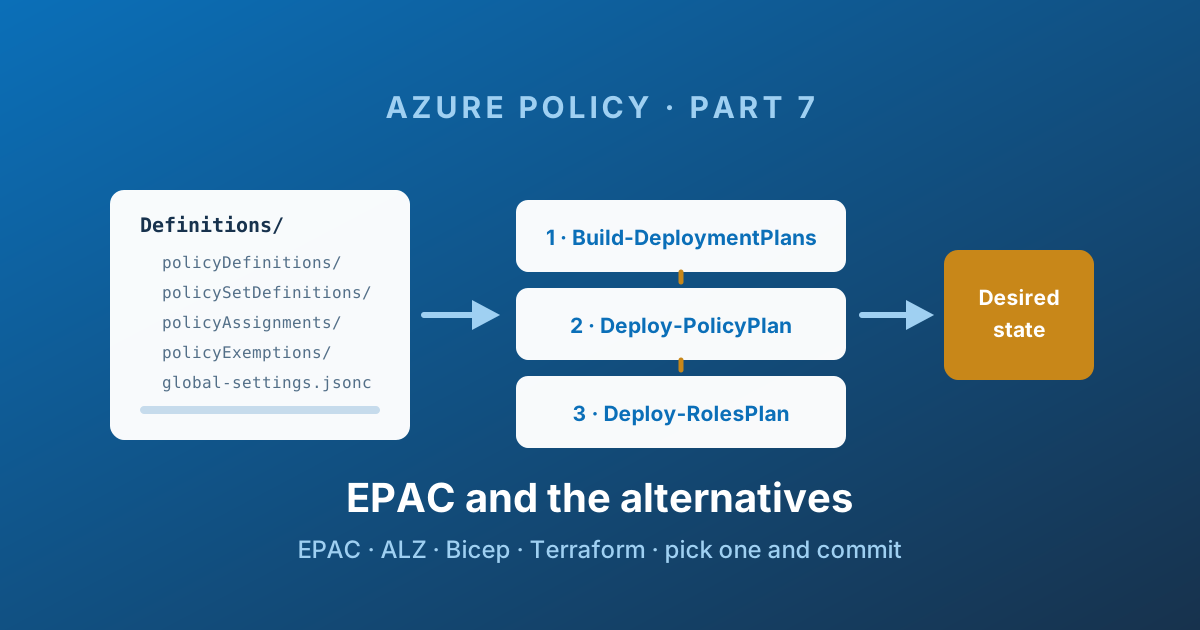
Part 7 of the Azure Policy series: Enterprise Azure Policy as Code (EPAC) explained end to end - folder structure, global-settings.jsonc, pacEnvironments, desired state strategies, the three-stage pipeline, ALZ integration - plus an honest comparison with ALZ, Terraform, AzOps and doing nothing.
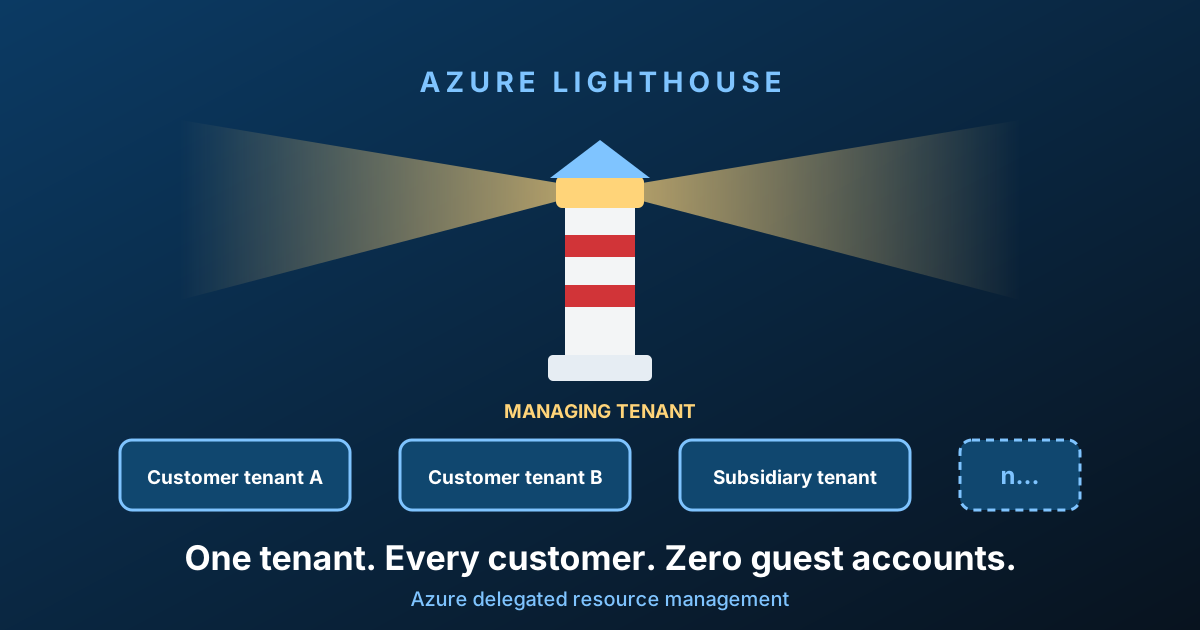
Choose between application maintenance, multi-tenant operations and ISV delegation, then review Lighthouse scope, role limitations, rollout and revocation.
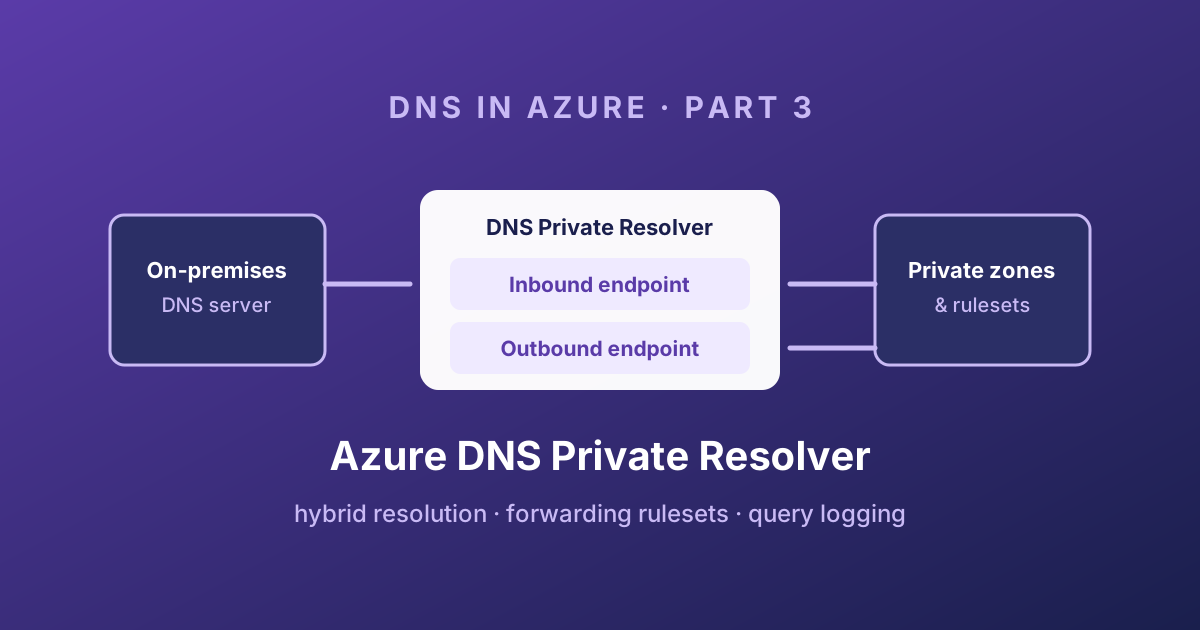
Part 3 of the DNS in Azure series: inbound and outbound endpoints, forwarding rulesets, the query evaluation order, the centralized and distributed architectures, and how to log DNS queries without running your own servers.
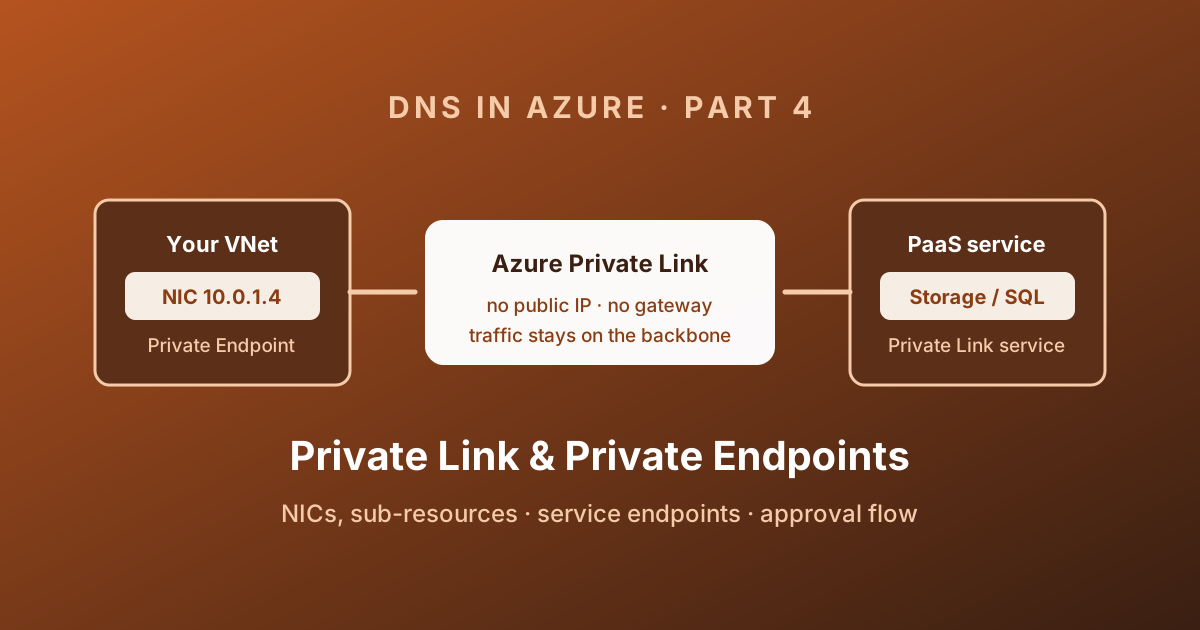
Part 4 of the DNS in Azure series: what a Private Endpoint really is, sub-resources, the approval workflow, routing and NSG behaviour, Private Link Service, and why turning off public network access is a separate job.
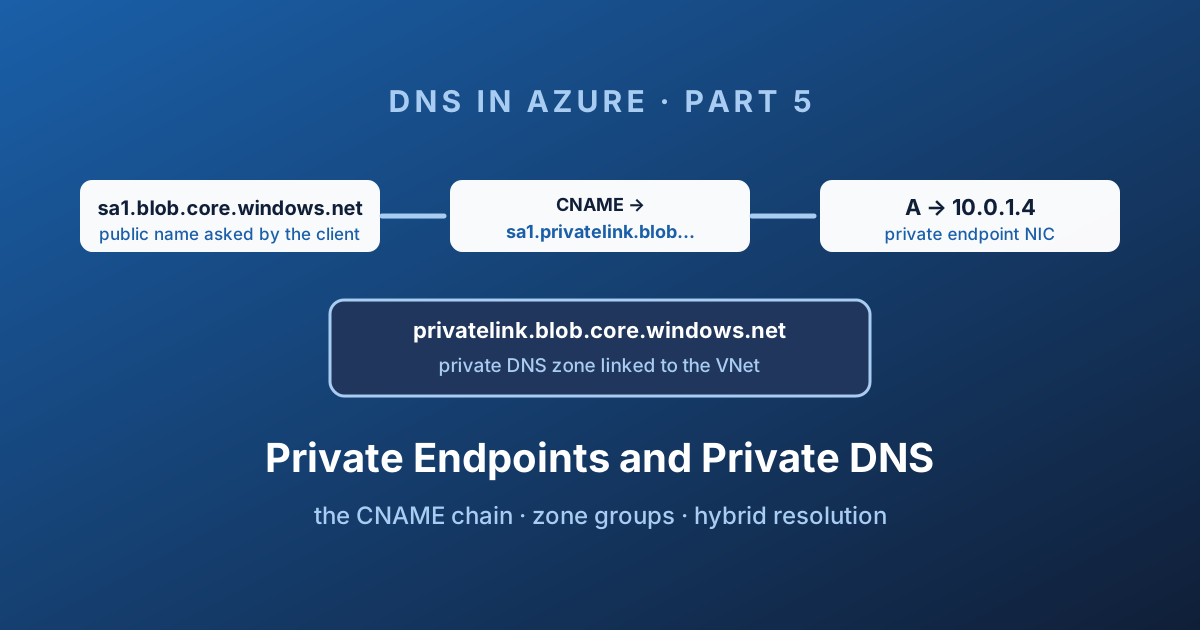
Part 5 of the DNS in Azure series: the privatelink CNAME chain, the exact zone name for every service, private DNS zone groups, running zones at scale with Azure Policy, and making Private Endpoints resolve from on-premises.
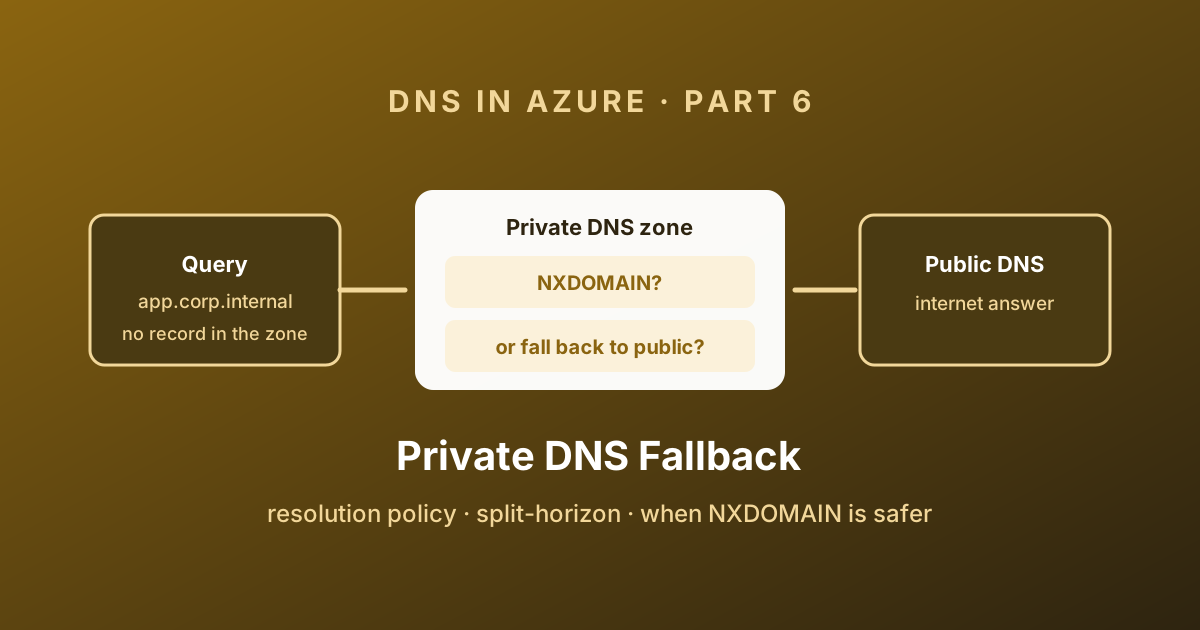
Part 6 of the DNS in Azure series: why a privatelink zone returns NXDOMAIN for names you do not own, how the NxDomainRedirect resolution policy fixes cross-tenant Private Link, and when you should deliberately leave it off.
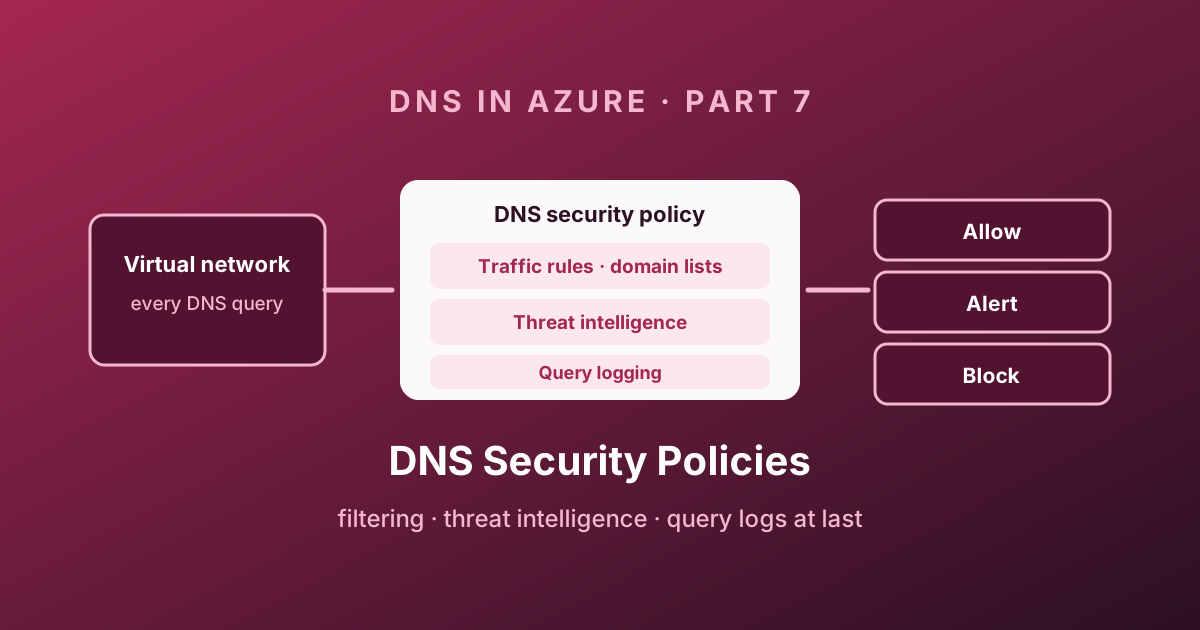
Part 7 of the DNS in Azure series: DNS resolver policies, traffic rules and domain lists, the Microsoft threat intelligence feed, full query logging in Log Analytics, and a rollout plan that will not take your platform down.
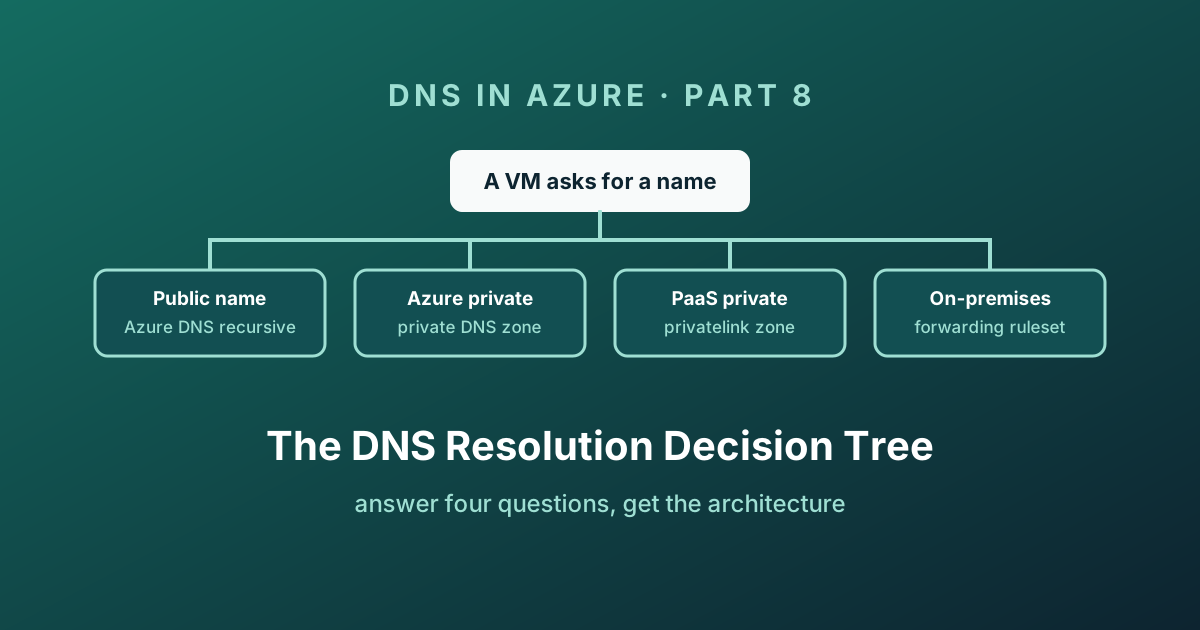
Part 8 of the DNS in Azure series: an interactive decision tree that takes you from a client asking for a name to the exact Azure architecture that answers it - Azure DNS, private zones, privatelink, forwarding rulesets, or on-premises.
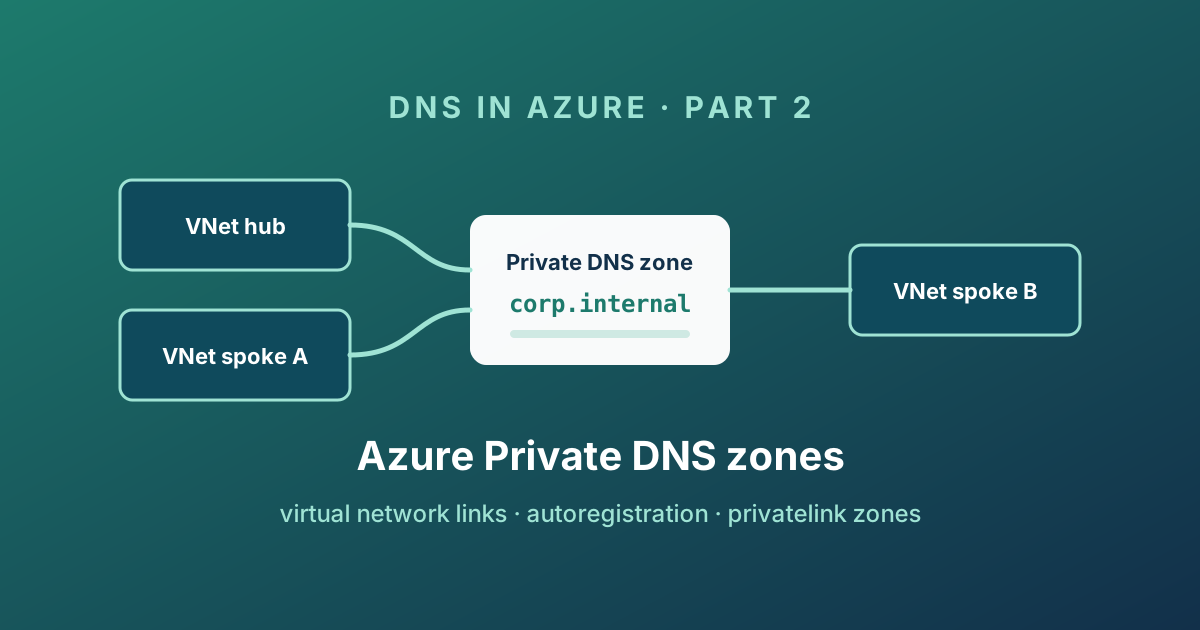
Part 2 of the DNS in Azure series: how private DNS zones and virtual network links really work, what autoregistration does to your records, the privatelink zones behind Private Endpoints, and how to design zones you will not regret.
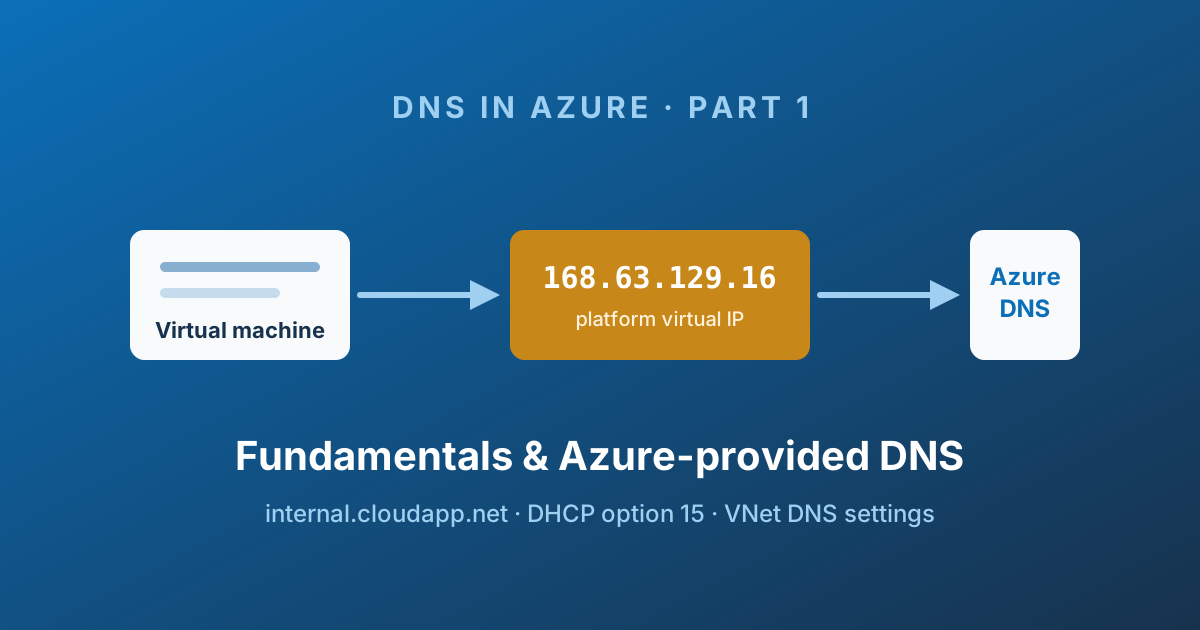
Part 1 of an eight-part series on private DNS in Azure: the vocabulary, the 168.63.129.16 platform IP, where a VM actually gets its resolver from, and why the default internal.cloudapp.net namespace runs out of road.
Everything you can use when writing a new article for /articles: frontmatter fields, headings, lists, callouts, code blocks, tables, images, and links.
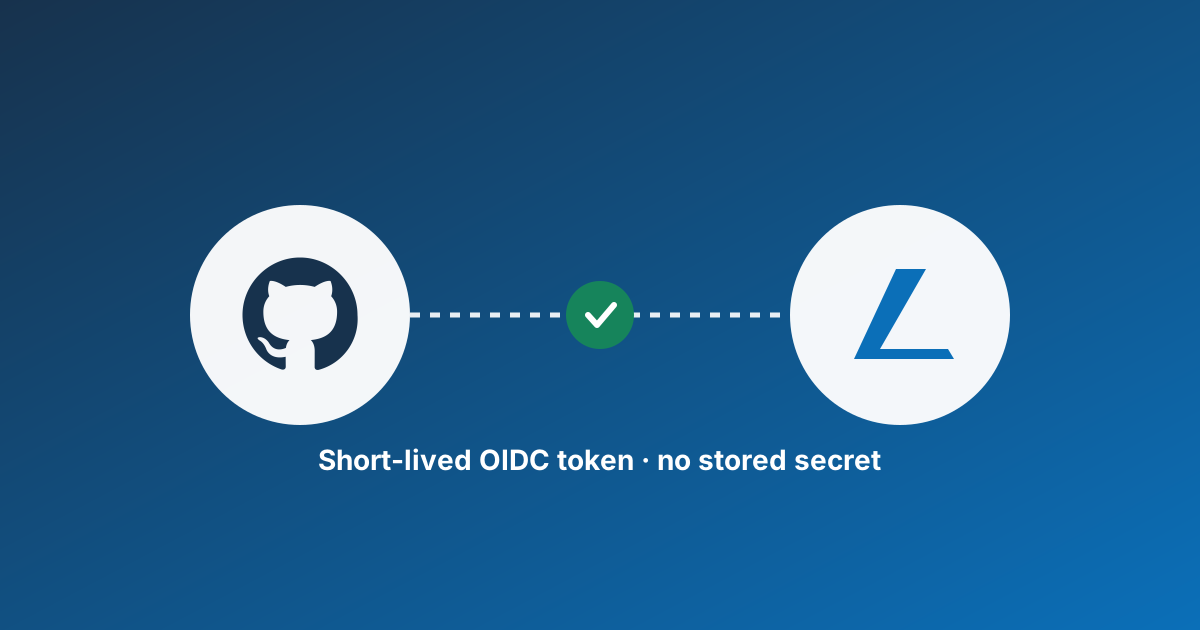
Stop storing long-lived Azure credentials in GitHub secrets. Set up OpenID Connect federation so GitHub Actions can authenticate to Azure with short-lived tokens.
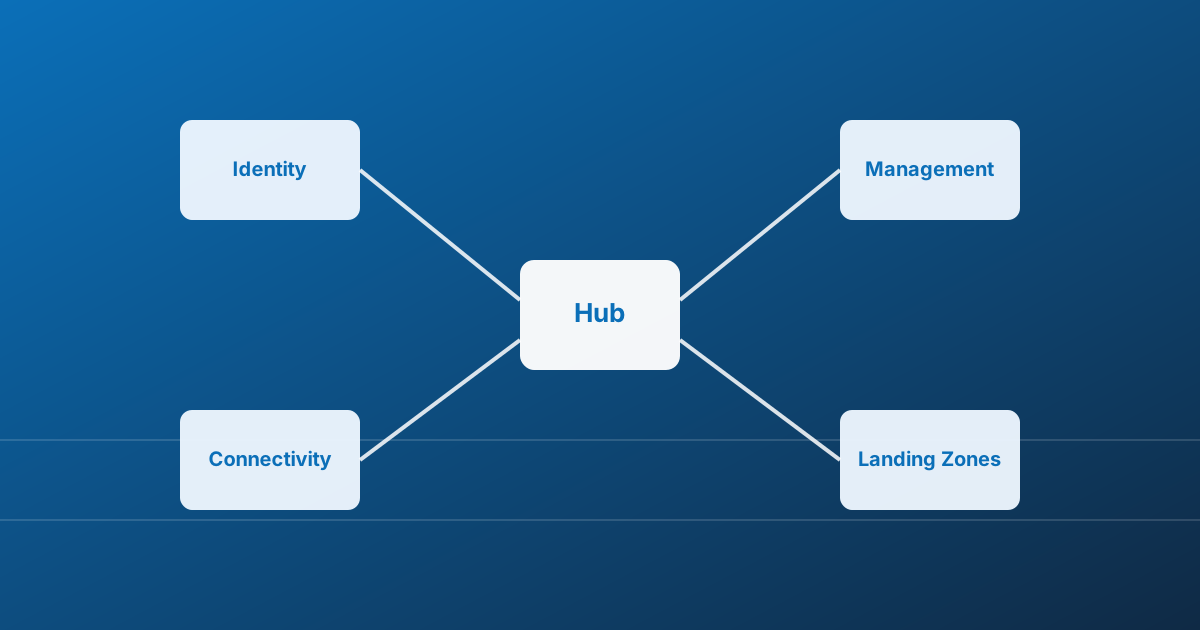
A practical introduction to Azure landing zones: what they are, why they matter, and the building blocks every platform team should know.

Step-by-step guide to connecting to an Azure VM with your native RDP client through Azure Bastion's native client support, including how to open the tunnel with the Azure CLI.

Prepare an Azure public DNS zone and its records before changing registrar name servers, using OVH as the example, then verify delegation and plan rollback.

A stylish one-liner to showcase the latest commits from a repository directly in the terminal.

The end-to-end workflow for contributing to a GitHub project: fork, branch, commit, push, pull request, code review, and merge.

Connect a PHP app running on Azure App Service to Azure SQL Database using a system-assigned managed identity, with no stored username or password.

Allow an ICMPv4 echo request in a Windows VM's guest firewall, then separately verify the Azure network path and test the response.

Compare controls for PaaS public access and private connectivity, understand Network Security Perimeter objects, and prepare a scoped validation plan.

How to restrict access to an Azure Web App to specific users or security groups using Microsoft Entra ID, instead of allowing every user in the tenant.

Compare Terraform and Bicep by scope, state, review workflow and operating cost, then choose a fit for your team instead of a universal winner.

Check whether a GitHub Actions secret is available without printing it, review repository and environment scope, and use OIDC for Azure instead of long-lived credentials.

Build a scoped, read-only TTL inventory before approving resource deletion, and separately investigate creator attribution without treating the last writer as the creator.

A PowerShell script that lets you interactively search Azure Policy aliases by namespace using Out-GridView.
How Azure REST API versions work, how to find them with PowerShell, and why the api-version parameter matters.
Make a read-only Azure Resource Manager GET for a storage account using Azure PowerShell, with explicit context, replaceable parameters and response checks.

Inventory unresolved Azure RBAC principals at an explicit scope, verify deletion independently, and preview removal before approving a change.

A grouped Azure foundations checklist: decide ownership first, then governance, platform connectivity and ongoing operations before onboarding workloads.

A growing collection of Kusto Query Language (KQL) queries for Azure Resource Graph, covering AKS, disks, networking, policies, RBAC, subscriptions, and tags.

A PowerShell script to quickly switch between Azure subscriptions by index, with an optional Out-GridView interface.

Install the unofficial Draw.io integration, choose an editable file format and create your first diagram alongside source code in desktop VS Code.

A directory of vendor threat visualisations, with their different scopes and limits: useful for exploration, not an exhaustive map of attacks or attribution.

Prepare a Hugo source repository, select GitHub Actions as the Pages source, build a pinned Hugo version and verify the deployed site.

A decision-focused comparison of WordPress and Hugo: editing workflow, dynamic features, hosting and maintenance trade-offs, without unrecorded migration claims.
Distinguish a source link from build-time inclusion and browser fetching, and publish a readable static script snapshot with honest provenance.

How to disable storage account key-based authentication and use Entra ID authentication for the Terraform azurerm remote backend.

Prioritise Azure cost work by effort, reversibility and commitment: establish a baseline, review usage, improve governance, then evaluate financial commitments.
Step-by-step guide to setting up your first Terraform environment on Windows: install the CLI, configure a remote state backend in Azure Storage, and run your first plan and apply.
Find Git commands by task: setup, cloning, the daily change cycle, synchronisation, branches and diagnosis. Each example explains its effect.
A suggested team convention, not a GitHub requirement: readable branch names with a purpose, ticket identifier and short description.
A practical commit message convention for GitHub projects, based on Conventional Commits: format, common types, and writing clear messages.
7 parts — from definitions and assignments to policy as code.
8 parts — from name resolution to Private Endpoints and the decision tree.